Contactless air travel · Redesign

Rebuilding DigiYatra into a calmer, more trustworthy travel companion.

A ground-up redesign of India's face-recognition airport flow — taking a dense, low-contrast legacy app and rebuilding it on the UX4G design system for clarity, accessibility and trust.
Role
Product & UX design
Platform
iOS · Android
Design system
UX4G Web Kit 2.0
Screens redesigned
15 end-to-end
BEFORE
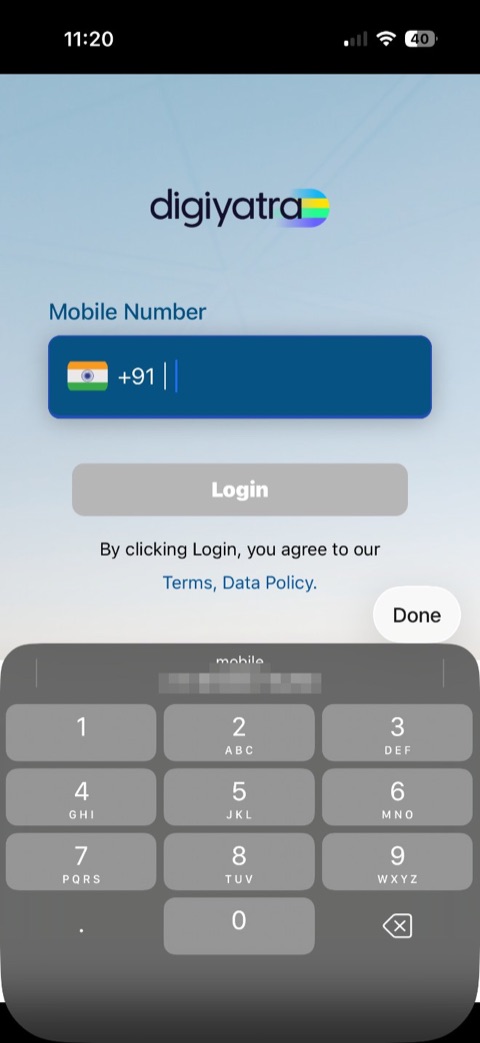
The old DigiYatra login screen
redesigned
AFTER
The brief

DigiYatra lets travellers walk through airport checkpoints using just their face — no boarding pass, no ID checks. The technology is excellent. The app around it was not.

The legacy app leaned on heavy gradients, saturated low-contrast input fields, and screens that jumped straight into a form with little heading or context. Onboarding, boarding-pass storage and the airport scan were spread across disconnected, visually inconsistent screens. The goal: rebuild every screen on UX4G — government-grade, accessible, and bilingual-ready — without losing the speed travellers love.

The starting point

The app we inherited

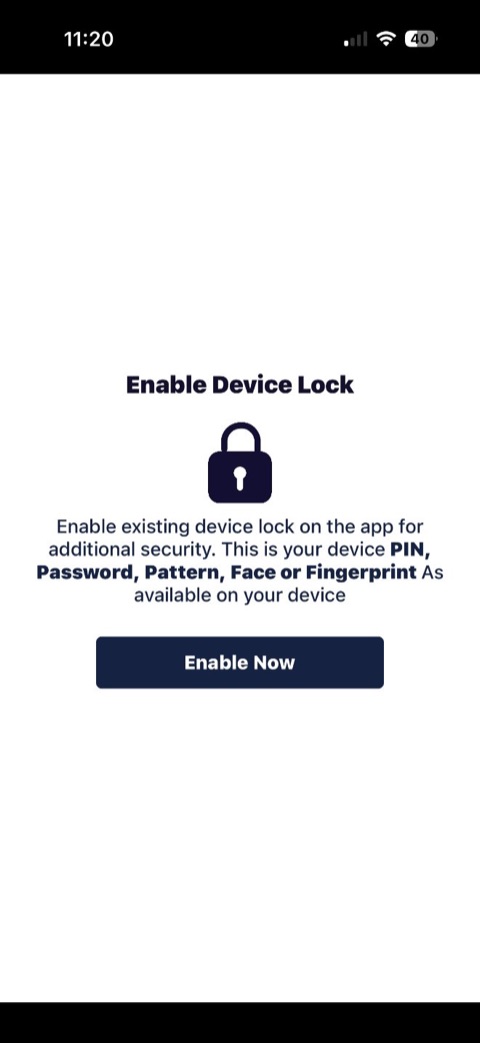
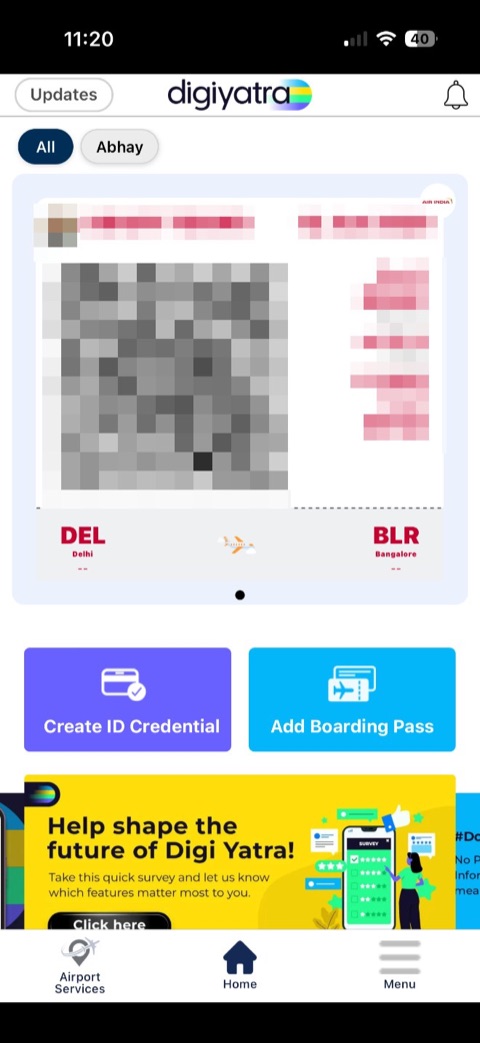
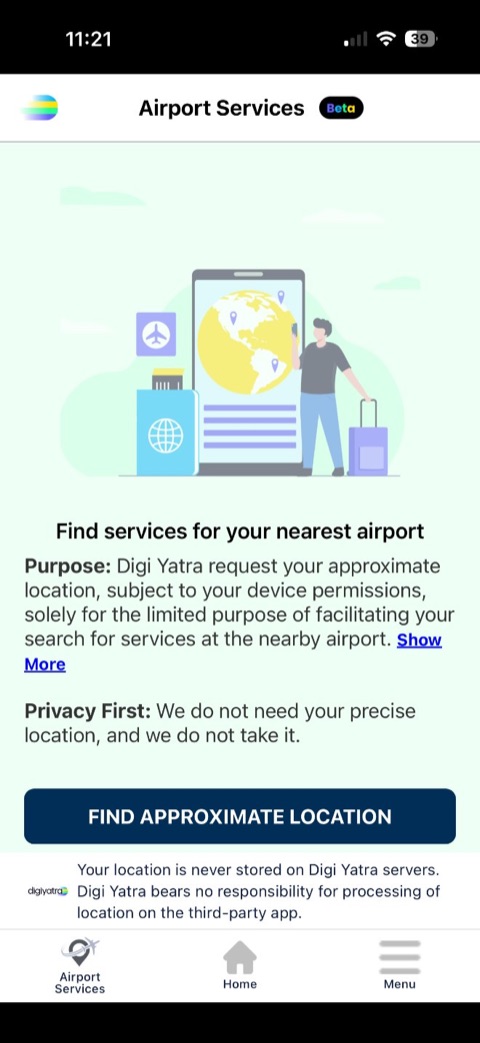
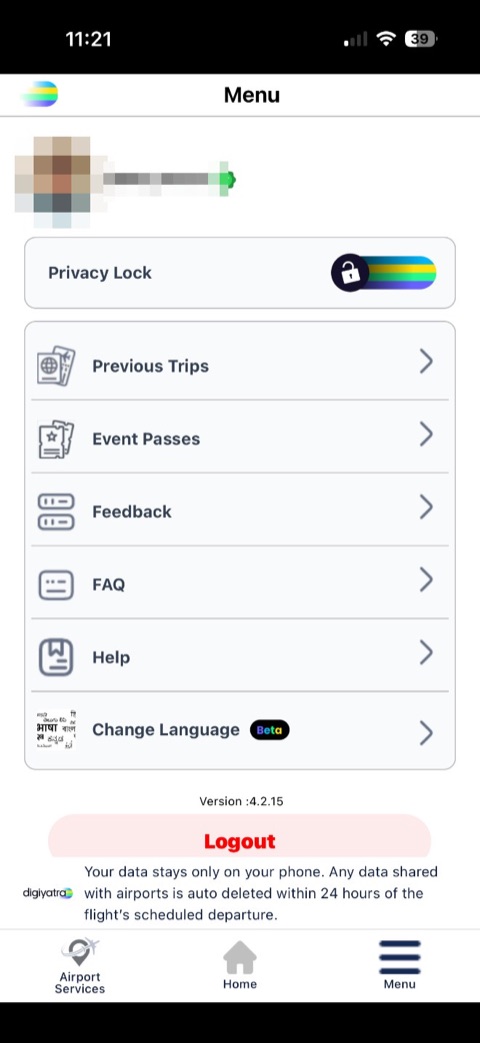
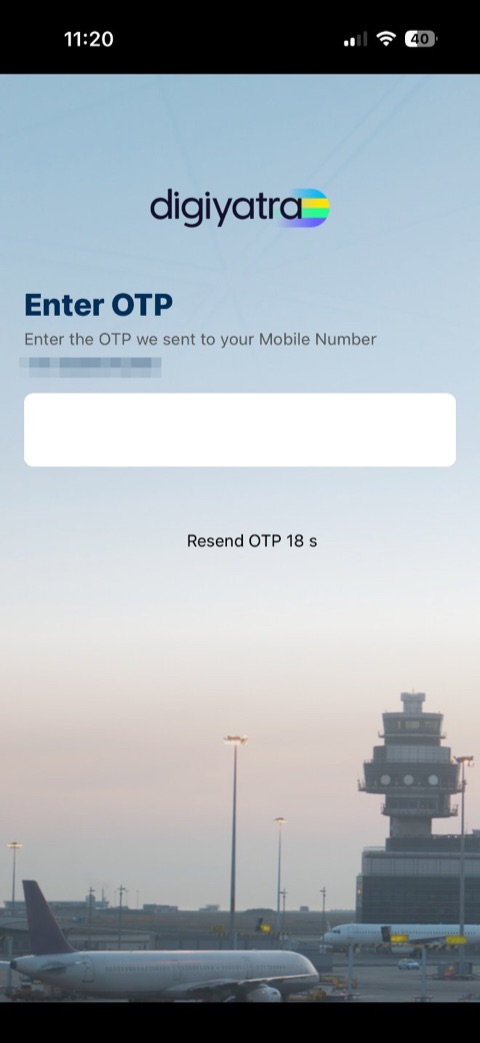
These are real screenshots of the screens travellers used most, with names, numbers, faces and codes redacted. The flow works — but the visual language drifts from screen to screen, and contrast and hierarchy make it hard to scan in a bright, busy terminal.
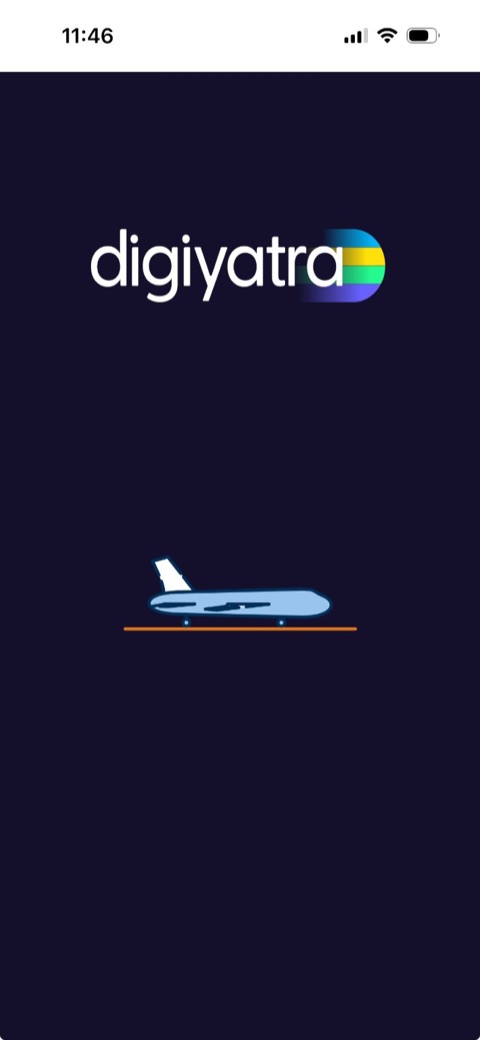
Old DigiYatra Splash screen
Splash
Old DigiYatra Mobile login screen
Mobile login
Old DigiYatra OTP screen
OTP
Old DigiYatra Device lock screen
Device lock
Old DigiYatra Home & pass screen
Home & pass
Old DigiYatra Airport services screen
Airport services
Old DigiYatra Menu screen
Menu
Real screenshots · DigiYatra iOS v4.2.15 · scroll to see all seven
Auditing the old app

Five problems we kept running into

The two screens travellers see first set the tone — and both worked against trust and legibility.

The old DigiYatra login screen
Legacy login screen
1
Low-contrast filled fields
White text on a saturated dark-blue input fails WCAG contrast and reads as already-filled or disabled.
2
No context before you act
The screen opens straight to a phone field — no heading, and no hint that a one-time code is on the way. First-time users are left guessing what happens next.
3
Inconsistent visual language
Each screen mixed its own gradients, blues and corner radii — nothing felt like one connected product.
4
No reassurance about privacy
A face-recognition app never told travellers where their biometric data goes — a critical trust gap.
5
Cramped tap targets
Dense tile grids and small links sat well below the 44px minimum target — hard to hit in a busy terminal.
Design principles

Four rules we held every screen to

Legible by default
High-contrast ink on white, real labels, and AA-rated colour pairings — readable in bright terminal light.
Trust, made visible
Say where data lives at every step — “stored only on your device”, a biometric Privacy Lock, and granular consent screens with clear data, purpose and duration.
One connected flow
A single home, a clear next-trip card, and three ways to add a booking living together in one place.
Built on UX4G
Government-grade components, 44px targets, a visible focus halo and bilingual-ready Noto Sans type.
Before & after

The same screens, rebuilt

Three of the highest-traffic surfaces, legacy on the left and the live redesign on the right.

BEFORE
01 · Sign in
The old DigiYatra login screen
AFTER · LIVE
01 · Sign in
Outlined field replaces the dark fill — text and placeholder pass AA contrast.
Solid navy-blue CTA reads as tappable, with a clear hover and focus state.
A real heading and helper text explain what happens next.
BEFORE
02 · Home
The old DigiYatra home screen, with the boarding pass in a carousel
AFTER · LIVE
02 · Home
The boarding pass leads the screen as a clean, scannable card — the survey banners and clutter are gone.
Create ID and Add boarding pass sit up front as quick actions — the two tasks travellers came for.
A calm header drops the “welcome back” greeting; a traveller filter keeps each person's pass one tap away.
BEFORE
03 · Boarding pass
The old DigiYatra app — the boarding pass lived inside the home carousel
AFTER · LIVE
03 · Boarding pass
A dedicated pass — in the old app it was a card buried in the home carousel, with no screen of its own (so the legacy shot here is the home screen).
A real ticket shape with a perforation feels familiar and scannable.
A live QR and Face linked badge tie the pass to the traveller's face credential.
Rebuilt end to end

Familiar flows, rebuilt to feel effortless

ID setup, the face selfie and the gate QR all existed in the old app — just scattered across clunky, low-contrast screens. The redesign brings them together into one guided, on-device flow. Every phone below is the live prototype.

On-device face capture
Guided ID setup
Gate QR — the fallback
Beyond the brief

Four things the old app buried

Privacy Lock, family travellers and granular consent were all in the old app too — buried in menus and pop-ups. We pulled them into the open and made each one clear.

The QR, one tap from anywhere

Face matching happens at the airport's e-gate, not in the app — so the app's real job is the fallback. The home screen now leads with each traveller's live boarding QR, reachable in a single tap when the camera doesn't recognise someone. No digging through menus at the gate.

Biometric Privacy Lock
Face or fingerprint to open the app.
One wallet, many travellers
Family & minors, each verified on-device.
Granular, on-device consent
Clear data, purpose & duration per action.
Accessibility first

Built to GIGW & WCAG 2.2 AA

As a government service, DigiYatra has to work for everyone. The redesign bakes accessibility into the tokens, not as an afterthought.

AA contrast on every text and UI pairing.
44px minimum targets — easy to hit in a moving queue.
Bilingual-ready Noto Sans for Hindi + regional scripts.
In-app text size & contrast controls in the menu.
15
screens rebuilt end-to-end
AA
WCAG 2.2 contrast across the board
3
ways to add a booking, in one place
1
connected home, not a tile grid

Walk through it yourself

Every “after” screen above is the real prototype. Open the interactive version and move through all 15 screens — login to gate QR.

digiyatraDigiYatra

A concept redesign built on the UX4G design system. Unofficial — not affiliated with, endorsed by, or connected to the Government of India, NeGD or MeitY. Legacy screenshots are redacted to protect personal data.

See the e-Visa portal case study →